
A lot of people are finding out that Windows 11 may not be the way to go for them and are switching to Linux. Many of them are choosing Linux Mint. I use Linux Mint and I think it is a good all around Linux distro that is easy to use and works on most computers.
If you’re just getting started with SDR, you might want to check out this Simple Guide to SDR. This post is step by step directions to install three SDR applications on Linux Mint.
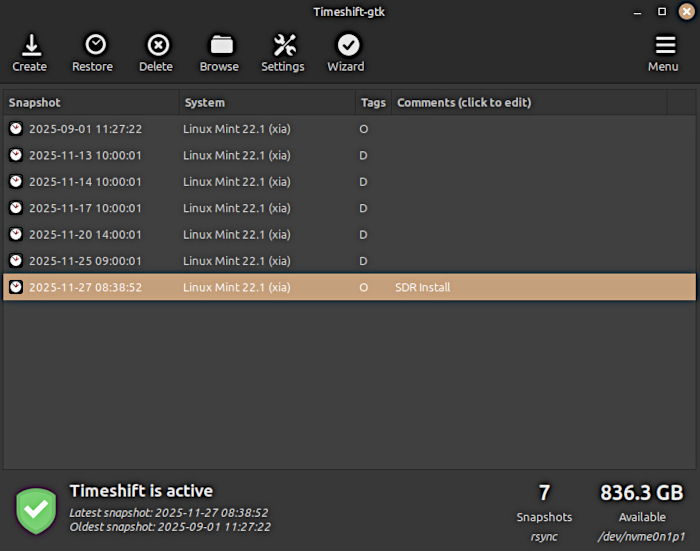
First thing to do is back up your system. We will install a bunch of software. If anything goes wrong, restore the system.
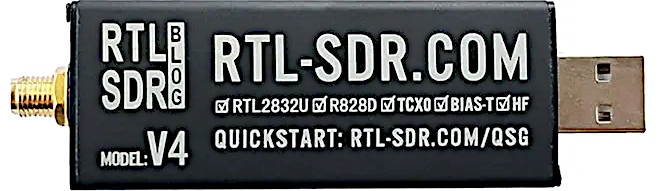
I have an RTL-SDRv4 module. It’s fairly common, works with most SDR software and is a decent reciever. The first thing that needs to be done is to install the device drivers. Go to your device website to find how to install Linux drivers. There might not be Mint-specific drivers, but Debian or Ubuntu drivers should work.
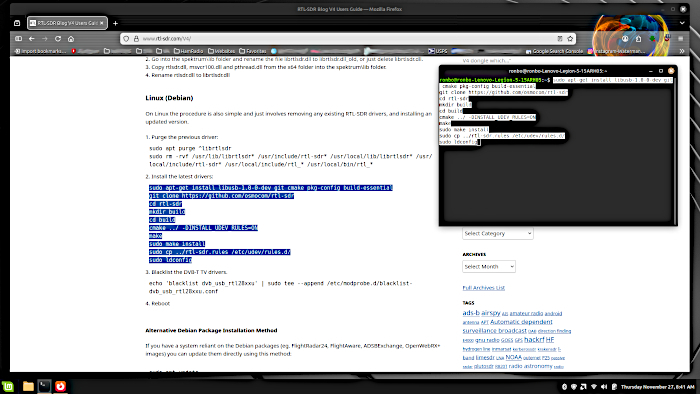
The RTL-SDRv4 drivers are located HERE. Or, copy and paste below into the Terminal:
1.Purge the previous driver:
sudo apt purge ^librtlsdr
sudo rm -rvf /usr/lib/librtlsdr* /usr/include/rtl-sdr* /usr/local/lib/librtlsdr* /usr/local/include/rtl-sdr* /usr/local/include/rtl_* /usr/local/bin/rtl_*
2.Install the latest drivers:
sudo apt-get install libusb-1.0-0-dev git cmake pkg-config build-essential
git clone https://github.com/osmocom/rtl-sdr
cd rtl-sdr
mkdir build
cd build
cmake ../ -DINSTALL_UDEV_RULES=ON
make
sudo make install
sudo cp ../rtl-sdr.rules /etc/udev/rules.d/
sudo ldconfig
3.Blacklist the DVB-T TV drivers.
echo ‘blacklist dvb_usb_rtl28xxu’ | sudo tee –append /etc/modprobe.d/blacklist-dvb_usb_rtl28xxu.conf
4.Reboot
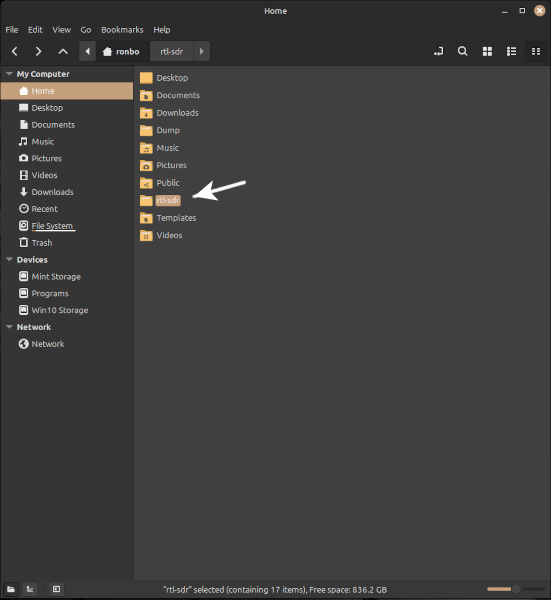
A quick check of the Home folder shows a folder labeled “rtl-sdr”, so the RTL-SDR drivers have been successfully installed.
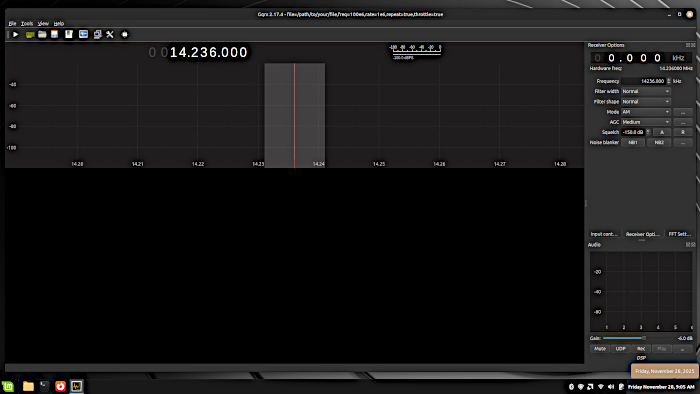
With the device drivers installed, it’s time to install the SDR software. We are going to start simple with Gqrx-sdr, which is in the Linux Mint Software Manager. Click to install.
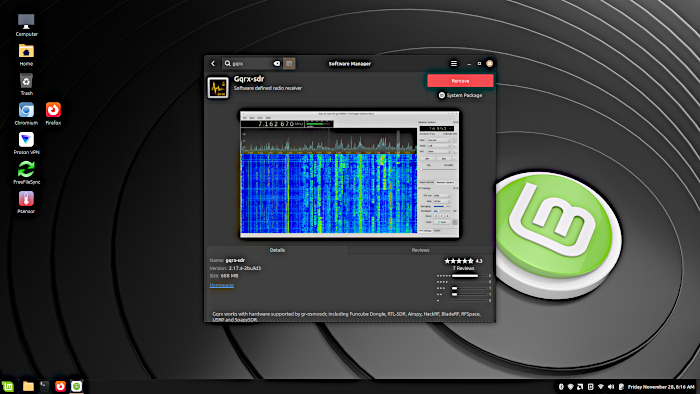
Check the Start Menu for Gqrx and click on it to see it has been successfully installed. Very easy.
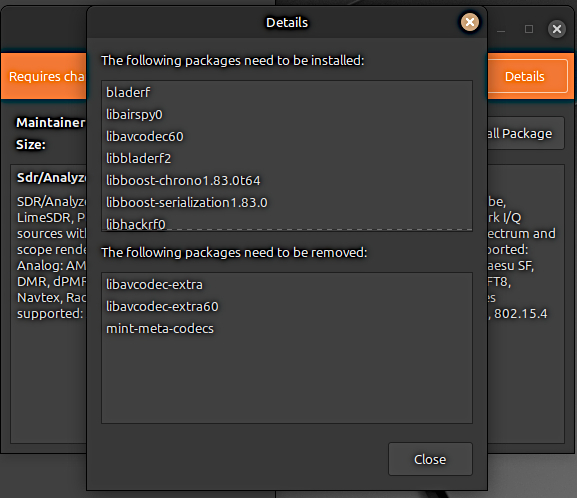
After the nice, easy Gqrx installation from the Software Manager, I wanted to install SDRangel, an SDR software package with a lot of options but a little bit more of a learning curve, which is a good thing in the long run. Since SDRangel is not in the Software Manager, I tried to install the latest SDRangel version with a Debian(.deb) file. It looked like it was going to install, but with a window showing the install would remove several core Linux Mint files, which I was not wanting to do.
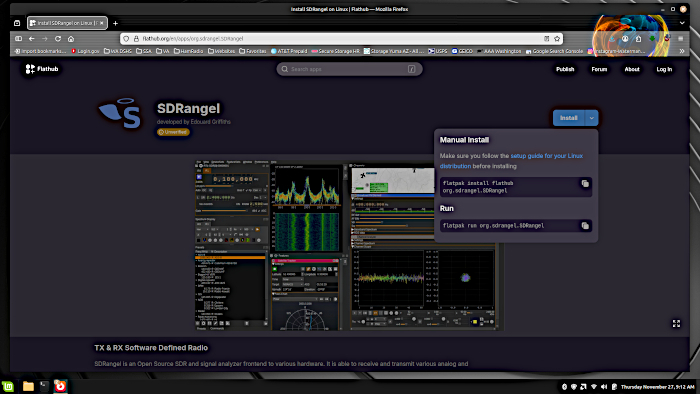
Instead, I opted for a Flatpak installation. Flatpak is installed on Linux Mint, the installation commands are on the Flathub website.
Simply put, Flatpak programs work in kind of a “sandbox” scenario, which in this case would not be a bad thing. On the other hand, Flatpaks have very large file sizes compared to Linux software. You may want to consider this. I have plenty of disc space, but the large download was a big job for the mobile phone hotspot.
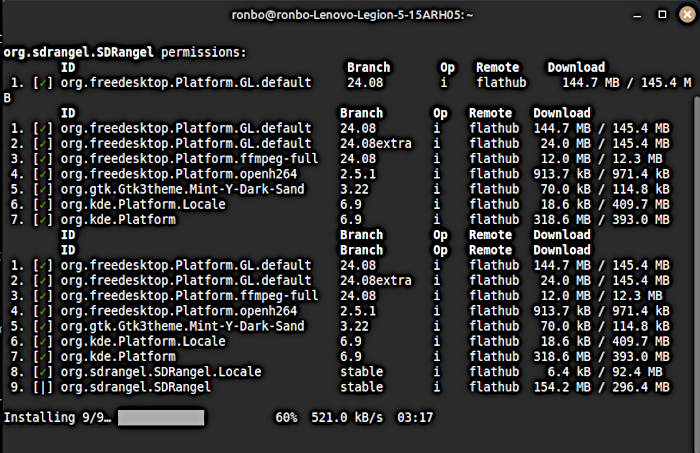
SDRangel on Flathub – flatpak install flathub org.sdrangel.SDRangel
SDRangel appears in the Start Menu and is successfully installed.
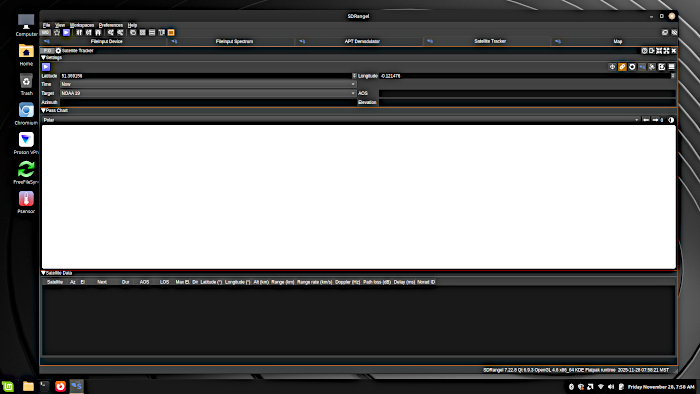
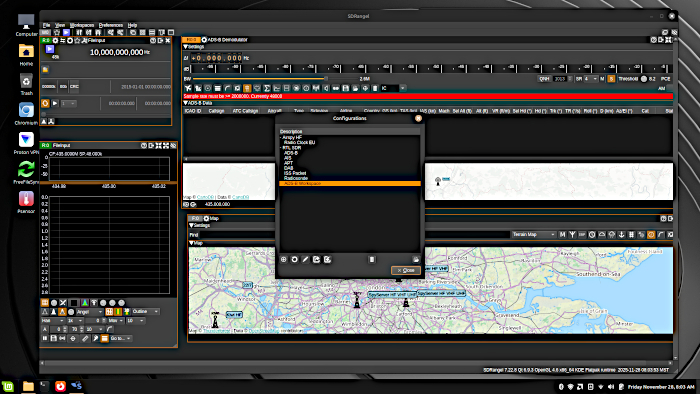
It’s been a long time since I’ve seen a freshly installed SDRangel. Fortunately, I have a configuration file from a Windows install of SDRangel that loaded right in and saved me a lot of time configuring the program again.
Finally, I want to install SDR++. SDR++ is an attractive program with plenty of options. I’ve been using it for a while on Windows, I want to see how it runs on Linux Mint. SDR++ can be installed with a .deb file. It might take a little research to figure out which Debian version of SDR++ is the best for your version of Mint. The download files for SDR++ are HERE.
When I tried to install SDR++, there was a message that the libjack-jackd2-0 file would be removed during the installation process. A quick search revealed installing libjack-jackd2-dev would prevent this. I installed the files using apt:
apt install libjack-jackd2-dev
I then ran the SDR++ installation file; sdrpp_ubuntu_noble_amd64.deb, by right clicking on Open With Package Installer. This time there were no file removal warnings and SDR++ was successfully installed.
Now the big moment. The RTL-SDR module is plugged in and attached to a Nagoya UT-72 144/430Mhz antenna I’m using to connect my ham radios to a local repeater. It’s not ideal for all reception with SDR, but it’s in place and working so the SDR software can be tested, even if the reception is not that good.
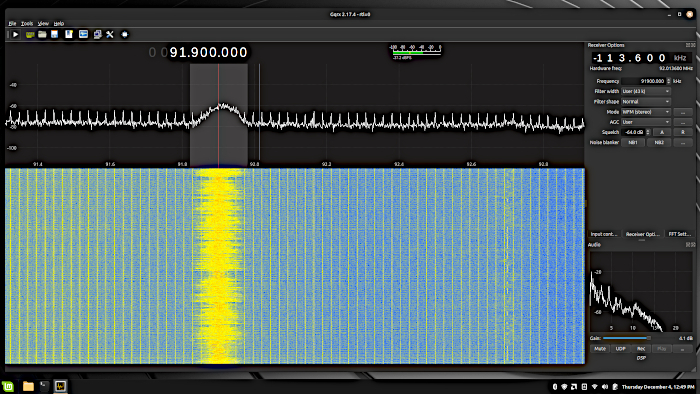
First up is Gqrs-sdr. The RTL-SDR receiver module is easily detected and quickly tuned to a Mexican radio station about fifty miles away. 99.9 Mhz is out of the 144 Mhz antenna sweet spot, but it’s close enough to get a signal.
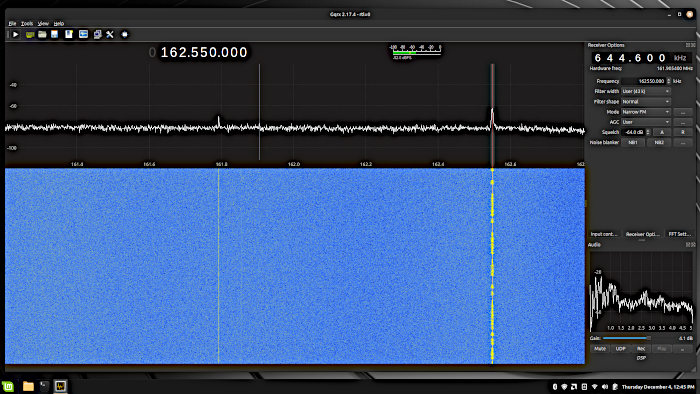
Next, I try the local NOAA weather broadcast. A narrow FM(NFM) signal at 162.550 Mhz. I can receive this station easily with handheld and mobile ham radios using this antenna. Gqrs-sdr has no problem receiving it either.
This is the “don’t try this at home” segment of the show. I had a Quansheng UV-K6 sitting here with the “rubber ducky” antenna. It is usually hooked up to the UT-72 dual band antenna that is currently hooked up to the RTL-SDR. The antennas are about six feet(2 m) apart. I hit the PTT button on the Quansheng HT and watched Gqrs-sdr come alive!
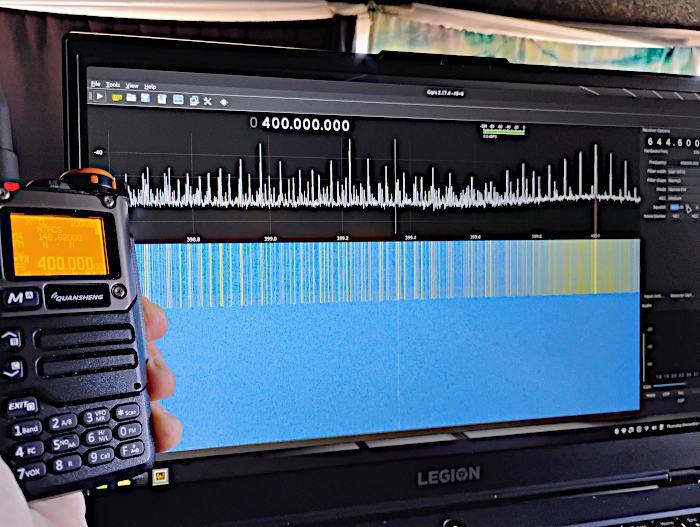
The radio is set to 400 Mhz, but you can see that the radio is transmitting a lot more than that. These stray transmissions are called “spurious emissions” and are a steady criticisim of these handheld ham radios. The Quansheng UV-K6 is transmitting about 4-5 w. With the UT-72 antenna, it can hit a repeater more than twenty miles away. You would never transmit full power with the radios this close together. I’m just testing. All the signal you see on Gqrs-sdr is just from pushing the PTT button, there is no voice transmission. I don’t know if speaking into the mic would have damaged anything, but I wasn’t going to try. Any bugs flying between the two antennas were probably vaporized.
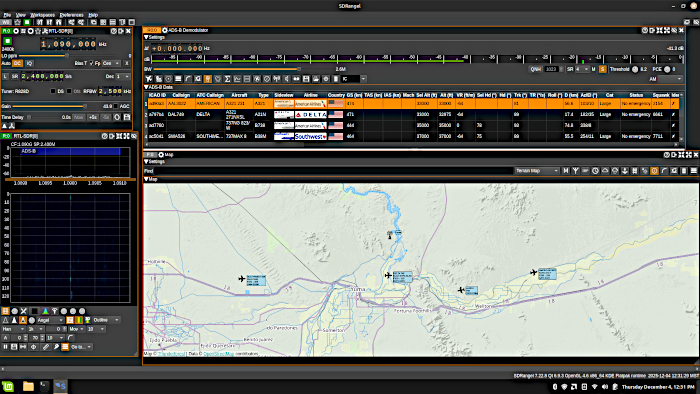
Gqrs-sdr looks pretty good so next we check out SDRangel. SDRangel has just about everything you need. I use it mostly for aircraft tracking. A quick reset of a couple settings and SDR is tracking aircraft with the VHF/UHF antenna.
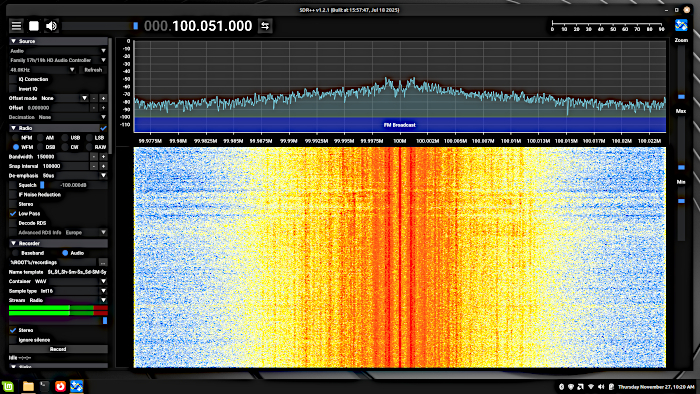
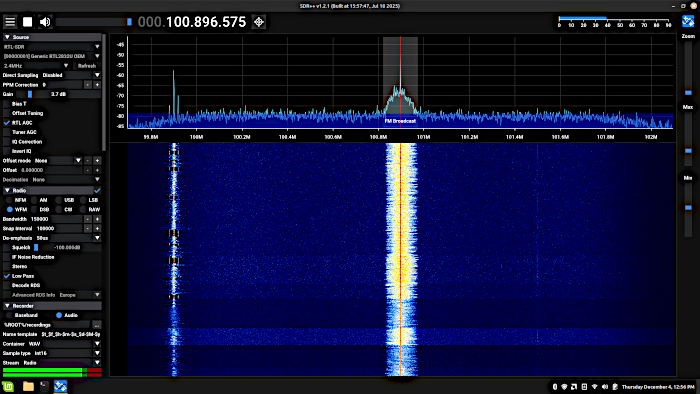
Last, but not least, I check out SDR++. The RTL-SDR is recognized and quickly tuned in to a local FM broadcast.
Installing SDR on Linux Mint is pretty easy. Always nice when everything works. If it doesn’t, there’s plenty of information and peer help available. Remember, if you’re just getting started with SDR, check out this Simple Guide to SDR. There’s a lot you can do.